SharePoint tempauth links end 1 April: old Teams mobile apps and custom Power Apps break
Microsoft’s notices of 13 to 25 November: what stops working when SharePoint’s pre-authenticated file links end on 1 April 2027, the Teams mobile versions needed, and what an admin does.

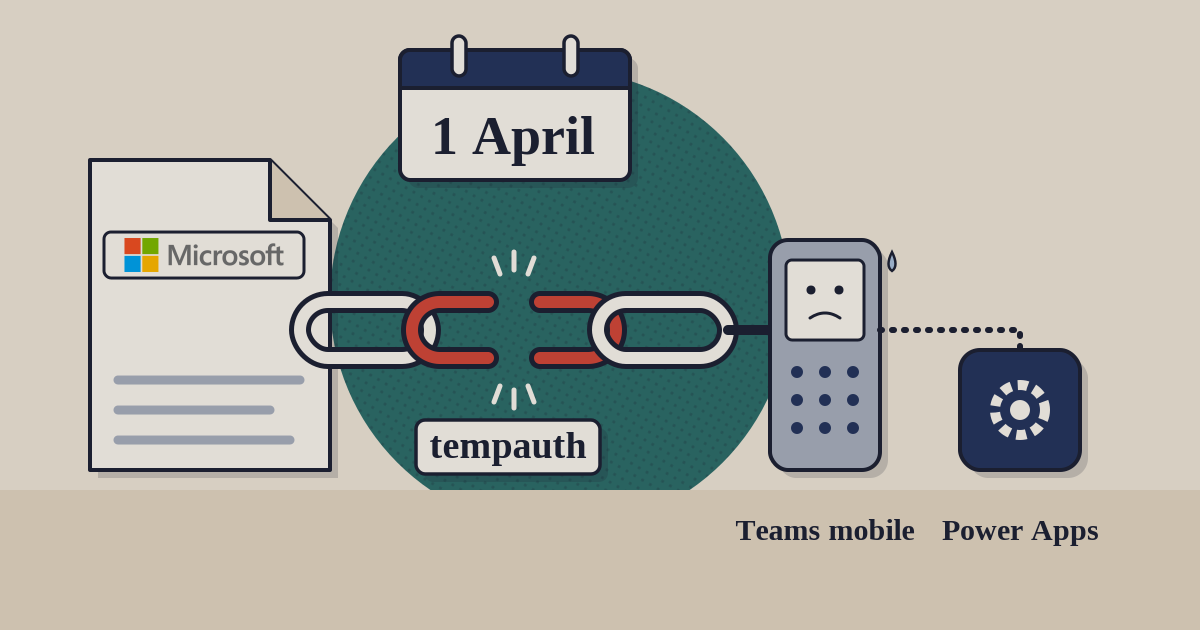
“Starting April 1, 2027, SharePoint temporary authentication URLs will no longer be available”, Microsoft told Power Platform admins on 13 November, and any Power Apps app or Power Automate cloud flow that relies on them “will stop working”.1 On 24 November it told Teams admins what that means on phones: users need Teams for Android 1416/1.0.0.2026151302 or later, or Teams for iOS 8.19.0 or later, or file features fail once enforcement begins. The rollout starts in mid-March 2027 and should finish by early April.2
tempauth links end on 1 April; Teams mobile enforcement rolls out from mid-March
Retirement of SharePoint pre-authenticated (tempauth) URLs: Microsoft notices and dates, October 2026 to April 2027
Show tableHide table
| Date | Event | Detail |
|---|---|---|
| 8 Oct 2026 | Developers told | Microsoft 365 Developer Blog: move to Entra ID tokens |
| 13 Nov 2026 | Power Platform notice | MC1551122; updated 20 November |
| 24 Nov 2026 | Teams mobile versions set | MC1567258: Android 1416/1.0.0.2026151302, iOS 8.19.0 |
| 25 Nov 2026 | Power Apps thumbnails | MC1567320: republish apps whose thumbnails stopped rendering |
| 15 Mar 2027 | Teams rollout begins | Mid-March, worldwide and government clouds |
| 31 Mar 2027 | Act-by date | Teams mobile updated |
| 1 Apr 2027 | tempauth URLs end | Behaviour changes begin in SharePoint Online and OneDrive |
Source: Microsoft 365 Developer Blog; message-centre posts MC1551122, MC1567258 and MC1567320, read via mc.merill.net · as of 25 November 2026, 7:00pm IST · Microsoft gives the Teams rollout start as mid-March; 15 March only places it on the axis
01What a tempauth link is, and why it goes
SharePoint puts a short-lived token, scoped to one file, inside the URL itself, as a tempauth= parameter, so an app can fetch the file without a separate sign-in. Microsoft’s reason for removing it: “URLs get logged, cached, forwarded, and stored in ways that bearer tokens in headers do not.” Such a link works with no sign-in until its token expires. After 1 April, six Microsoft Graph file API families (download, upload sessions, copy and monitor, preview, thumbnails, format conversion) stop redirecting to such links or return plain SharePoint URLs, and the app must present a Microsoft Entra ID access token in the Authorization header.3
Show tableHide table
| Who | What breaks after 1 April | What to do |
|---|---|---|
| Teams for Android below 1416/1.0.0.2026151302, Teams for iOS below 8.19.0 | Opening, previewing and downloading files and thumbnails; uploading and sharing from the device; OneDrive and SharePoint video playback; PowerPoint Live; sharing files with bots and agents | Update the app; other Teams features are unaffected |
| Power Apps and flows with a custom control, action or connector using tempauth URLs | Document-library thumbnails; SharePoint images in an Image control | Move to the new authentication, republish the app or save and publish the flow, and test |
| Word Online (Business) connector, CreateWordFileWithContent | Its returned link should no longer be used as an unauthenticated download | Download with authentication instead |
| Apps and flows using only native controls, actions and connectors | Nothing, unless they hand out pre-authenticated SharePoint URLs | No action |
02What an admin does now
- Get phones current. Microsoft asks admins to review mobile app management and deployment policies so users receive an updated Teams, tell users on old versions, and update help-desk guidance. The Teams version history on Microsoft Learn, which the notice links to, did not yet list 8.19.0 when we read it: its iOS list ended at 8.15.0, released on 24 August.2 5
- Find the custom Power Platform work. Microsoft’s posts point to the symptoms rather than a report: missing thumbnails, broken SharePoint images, Word files downloaded from a returned link. On 25 November Microsoft added that changes made for the retirement may already stop SharePoint thumbnails rendering in Power Apps; republishing the app restores them within an hour of users restarting it.1 4
- Check the tenant. In SharePoint Online Management Shell,
Get-SPOTenantPreAuthSettingsshows the current pre-authentication settings. Developers search code fortempauth=,@microsoft.graph.downloadUrland any returned URL that is stored, queued or emailed for later use.3 - Do not turn tempauth off early. “Disabling pre-authenticated URLs (tempauth) through PowerShell before April 1, 2027, may disrupt file scenarios across Teams mobile, regardless of app version.”2
Another SharePoint Online date to plan for: new classic publishing sites are blocked from 1 March, as we reported on 24 November.
Sources
- Microsoft 365 message centre, MC1551122: Power Platform, Information regarding the end of support for SharePoint temporary authentication URLs (read via mc.merill.net) — 13 November 2026, updated 20 November 2026
- Microsoft 365 message centre, MC1567258: Microsoft Teams for Android and iOS: Update to the latest app version to maintain file access (read via mc.merill.net) — 24 November 2026
- Microsoft 365 Developer Blog: Pre-authenticated (tempauth) URLs are retiring: move to Microsoft Entra ID tokens before April 1, 2027 (Vesa Juvonen) — 8 October 2026
- Microsoft 365 message centre, MC1567320: Power Apps, Information about SharePoint thumbnails not rendering (read via mc.merill.net) — 25 November 2026
- Microsoft Learn: Version update history for Teams app deployments — updated 24 November 2026
Disclosure. TechBag is a software reseller: it earns when companies buy through it, including from vendors named here. The analysis is TechBag’s own; no vendor paid for or saw this piece before publication. Facts are labelled reported, TechBag count or our view. How the Journal works.
Keep reading